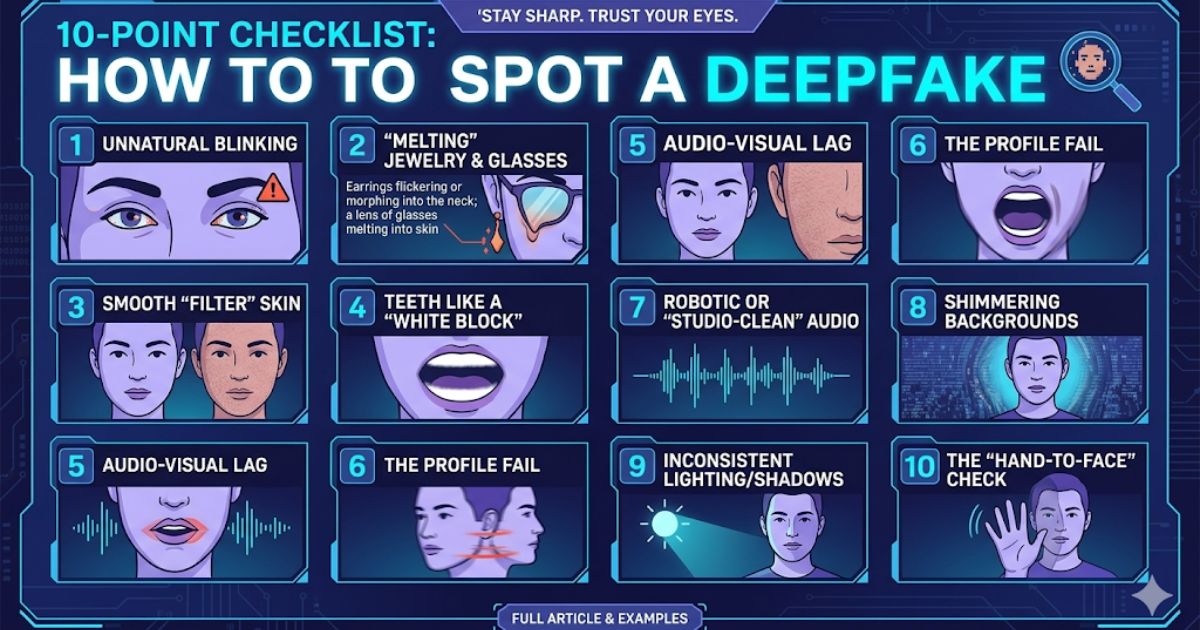
10-Point Checklist: How to Spot a Deepfake
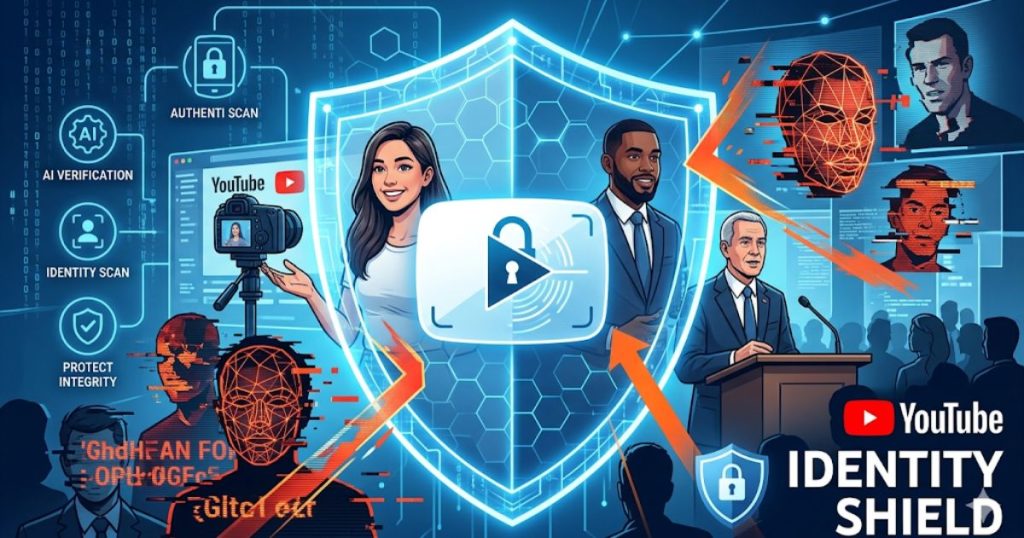
In today’s digital world, seeing is no longer believing. With YouTube’s recent rollout of “Identity Shield” for officials and journalists, the fight against AI-generated misinformation has reached a new level. However, tech tools aren’t always enough, sometimes, your own eyes are the best defense.
Here is a simple, 10-point checklist to help you manually spot a deepfake before it gets flagged.
10-Point Checklist: How to Spot a Deepfake
1. The Eye Test: Unnatural Blinking
Real humans blink randomly every 2 to 10 seconds. AI often struggles with this “biological rhythm.” Look for people who don’t blink at all or whose blinking feels mechanical and rhythmic, like a metronome.
2. The “Melting” Jewelry and Glasses
Accessories are a deepfake’s worst enemy. Watch closely as the person moves: do their earrings flicker or disappear? Do the frames of their glasses melt into their skin? These glitches happen because the AI is focused on the face, not the items on it.
3. Smooth “Filter” Skin
If someone’s skin looks unnaturally smooth, like a permanent beauty filter has been turned to 100%, be suspicious. Real 4K footage should show pores, tiny wrinkles, and moles. AI often “tiles” or blurs these details away.
4. Teeth Like a “White Block”
Look at their mouth when they speak. In many deepfakes, individual teeth aren’t visible; instead, they look like a solid white block or a blurry mass. The edges of the teeth may also shift or “morph” mid-sentence.
5. Audio-Visual Lag (The “Hard Consonant” Test)
Pay attention to words starting with B, M, and P. These require distinct lip closures. In a deepfake, there is often a tiny delay (about 100ms) between the sound and the mouth movement, or the lips don’t close fully for these “hard” sounds.
6. The Profile Fail
Most AI models are trained on front-facing photos. If the person in the video turns their head to the side, look at their jawline and ears. Often, the digital mask will “break” or blur significantly during a full profile turn.
7. Robotic or “Studio-Clean” Audio
Listen for the breath. Real speech has natural pauses, gasps, and imperfections. AI voices can sound overly polished or robotic. If someone is supposedly outside in the wind but their voice is perfectly “clean” without any background noise, it might be a clone.
➤Please read: Indian Privacy Guide No One Gives You

8. Shimmering Backgrounds
Watch the area around the person’s head and shoulders. AI-generated videos often have “halo” effects or shimmering edges where the person meets the background. If the background seems to warp or ripple when the person moves, it’s a red flag.
9. Inconsistent Lighting and Shadows
Shadows follow the laws of physics AI doesn’t always. Check if the shadow on the nose or neck matches the light source in the room. If a person moves but the shadows on their face stay static, you’re likely looking at a deepfake.
10. The “Hand-to-Face” Check
If you are on a live video call and suspect a deepfake, ask the person to wave their hand in front of their face. Most real-time AI cannot process the hand and face simultaneously, leading to major glitches where the hand “passes through” the face or the face disappears.
Quick Verification Tips
- Check the Source: Was this posted by a verified account or a “random” profile?
- Trust Your Gut: If the person is saying something totally out of character, pause and verify.
- Reverse Search: Use Google Image Search on a screenshot of the video to see if the original, unedited footage exists elsewhere.
Expert shows how to spot a deepfake created with AI
This video provides a visual demonstration of the glitches and red flags mentioned in the checklist, making it easier to see these AI errors in action.
➤ Continue reading: YouTube’s New “Identity Shield” is Here: Are Your Favorite Creators (and Politicians) Finally Safe from Deepfakes?